Shopify and GA4 Revenue Discrepancy Explained Clearly
Understand why Shopify and GA4 revenue never match. Learn how each platform tracks revenue, what causes reporting gaps, and how server-side tracking improves data reliability.
Many Shopify merchants run into the same issue:
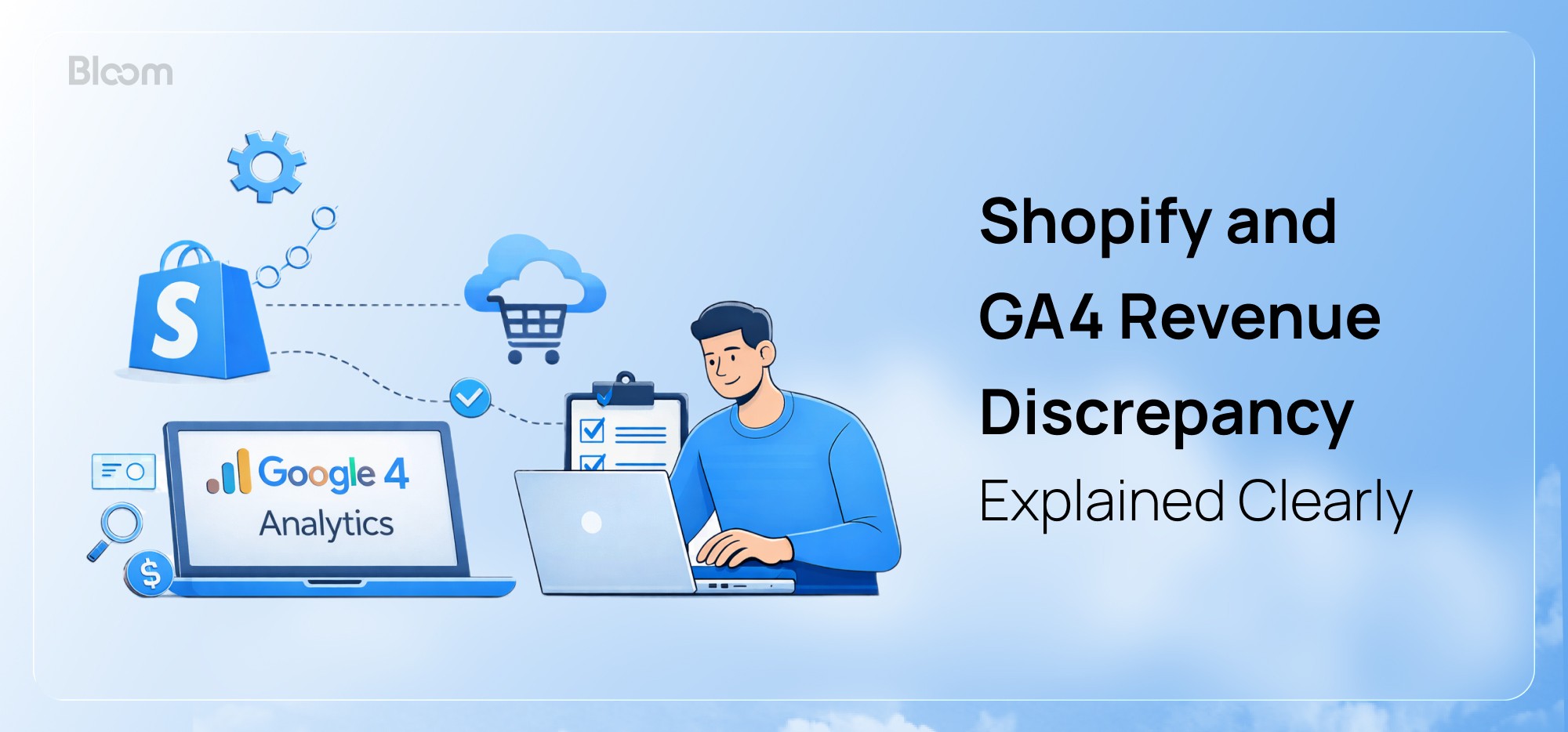
“My Shopify revenue and GA4 revenue never match. Which one is wrong?”
In most cases, neither is wrong. They are measuring different things because they are built for different purposes.
Shopify records revenue from completed orders inside your store. GA4, on the other hand, relies on purchase events captured in the customer’s browser through pixels and tags.
Because of structural and technical limits in browser based tracking, some revenue can be missed. This often creates a 10 to 30 percent reporting gap in GA4.
In this article, we will explain why these differences happen, what they actually mean, and how to use Shopify and GA4 together to make more confident, data driven decisions.
How does Shopify Calculate Revenue?
Shopify records revenue based on real completed and paid orders (after refunds, taxes, discounts, etc) in your store.
It’s taken directly from Shopify’s servers, not from browser tracking scripts, pixels or cookies.
So, data is not affected by
Ad blockers
Cookie consent
iOS privacy rules
Each order has one fixed value and Shopify assigns the entire amount to a single marketing source using last non-direct click attribution. It does not split revenue or use AI and data-driven models to redistribute credit. Instead, the last channel that brought the customer back before purchase gets 100% credit.
As a result, Shopify provides financially accurate and easy-to-understand reports on revenue but offers limited insight into how it was achieved.
That’s why merchants turn to GA4 for deeper insights into all events and interactions that lead to the sale.
Why GA4 Attributes a Different Revenue ?
GA4 serves a different purpose. It does not count completed orders. Instead, it tracks browser based events such as page views, button clicks, and purchases using tags and cookies stored in the user’s browser.
A sale is recorded only when a purchase event with a valid Transaction ID is successfully sent to Google’s servers.
However, in many situations, capturing the Transaction ID is not possible.
For example, if a customer leaves before the thank you page loads, if there are JavaScript errors, or if tracking is blocked by ad blockers, iOS privacy rules, or cookie restrictions, the event may never fire. In these cases, the Transaction ID is missed even though the payment was successful.
Even when tracking works correctly, reporting delays can create temporary gaps. GA4 can take 24 to 48 hours to fully process events. During this period, Shopify may already show the sale while GA4 takes longer to reflect it. Matching Transaction IDs with Shopify orders later helps reconcile the data.
Privacy regulations can also limit what can be tracked, especially when users do not give consent. Under laws such as GDPR, businesses must obtain clear permission before tracking users in certain regions. Without consent, GA4 may not record the transaction, which means both the purchase and its Transaction ID are missed.
In simple terms, GA4 tracking depends entirely on the customer’s device, browser, and technical conditions at the time of purchase.
The good news is that some of these limitations can be reduced with a well implemented server side tracking setup. This helps capture more reliable data and minimizes losses caused by browser level restrictions.

Downside of Ga4 Server-side in Tracking Revenue
Server side tracking moves data collection from a user’s browser to your server, for example through a GTM Server Container, before sending it to Google Analytics. This gives you more control over how data is collected and stored. It also helps reduce gaps caused by browser restrictions and privacy controls.
Because it relies on first party data instead of third party cookies, it is less affected by ad blockers, cookie limits, and script blocking. As a result, tracking is usually more reliable and more compliant. It can also bring reported revenue closer to what you actually earned in Shopify.
That said, server side tracking still does not guarantee 100 percent accurate data.
To stay compliant with tracking regulations, user consent plays a critical role.
If a user denies tracking consent, tags do not fire, which means no data is captured. In a standard server side setup, this results in no data reaching the server, leaving nothing to forward to analytics platforms.
Only more advanced implementations can partially recover some conversions by sending anonymized backend events through APIs. Even then, the results are often based on estimated models, and they require additional technical setup and compliance work.
There is also a higher risk of errors. If the server container is misconfigured, tags are mapped incorrectly, or API calls fail, conversion events may not fire correctly. This can lead to missed purchases and gaps in reported revenue.
Now, after understanding all this, the natural question is what can actually be considered reliable and how to address these gaps.

Solution and Conclusion
Revenue discrepancies between Shopify and GA4 are normal because the two platforms track and report data in fundamentally different ways.
Use Shopify to track real revenue, completed orders, and refunds. Use GA4 to understand customer behavior, marketing efficiency, funnel performance, and conversions. Do not treat GA4 as a revenue, profit, or financial source of truth.
Avoid relying on a single data source for marketing, operations, and financial planning.
Also, do not confuse revenue with attribution. Trust Shopify for the revenue you earned, but use dedicated attribution methods to understand where each sale came from, which channels contributed, and why ad platform reports often disagree. We will cover this topic in a separate article.
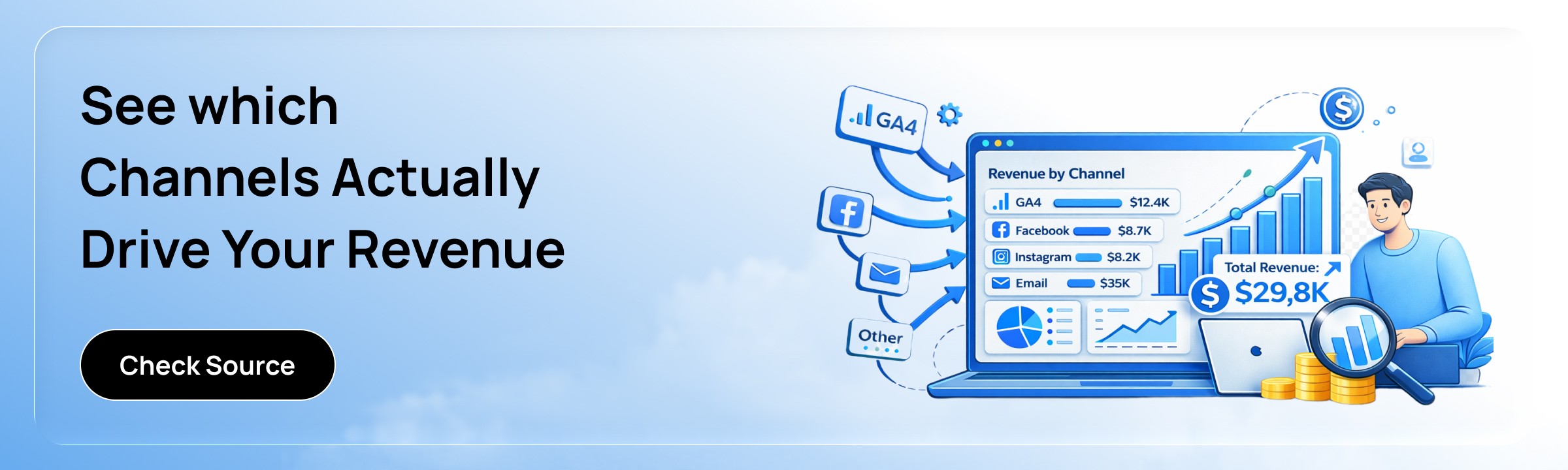
If you want a clearer view of the channels behind the revenue you earned, you can check Bloom. If you have questions about revenue, attribution, or any performance related metrics, reach out to us. Our team is ready to help.
Know Your Real Profit And
The Ads That Actually Sell.
No need to spend. Just try it on your store.