Know Why Bloom is the Better BeProfit Alternative
Comparing BeProfit alternatives? See how Bloom stacks up on pricing, attribution accuracy, and profit tracking for Shopify stores in 2026.
If you're looking for a BeProfit alternative, the short answer is that Bloom matches BeProfit on core profit tracking and beats it on marketing attribution accuracy and starting price, while BeProfit still wins if you need a fully custom report builder or unlimited multi store support on one plan. Bloom starts at $20/month. BeProfit starts at $49/month.
Tracking profitability is one of the most important things a Shopify merchant can get right. BeProfit has been a popular choice for that for years, but its pricing scales with order volume in a way that gets expensive fast as a store grows. That's the gap Bloom was built to close: the same depth of profit and cost tracking, with attribution that doesn't degrade under iOS privacy restrictions, at a price that doesn't climb just because orders did.
Key Takeaways
Both apps track Shopify profit, product margins, costs, and marketing performance.
Bloom is stronger for multi store connectivity at lower tiers. BeProfit is stronger for fully custom report building.
Bloom uses a first-party pixel for attribution. BeProfit relies on UTM parameters, which lose accuracy under iOS restrictions and ad blockers.
BeProfit starts at $49/month and scales with order volume. Bloom starts at $20/month and scales with feature access, with unlimited orders on every plan.
How Does Bloom's Profit Tracking Compare To Beprofit's?
Both apps show you true profit, not just revenue, but they present it differently. BeProfit uses a profit and loss dashboard you can break down by day, week, month, or quarter, with comparisons across countries, stores, and order sources. Bloom uses a P&L waterfall that shows margin remaining after each operation: product cost, fulfillment, ad spend, and operating expenses.
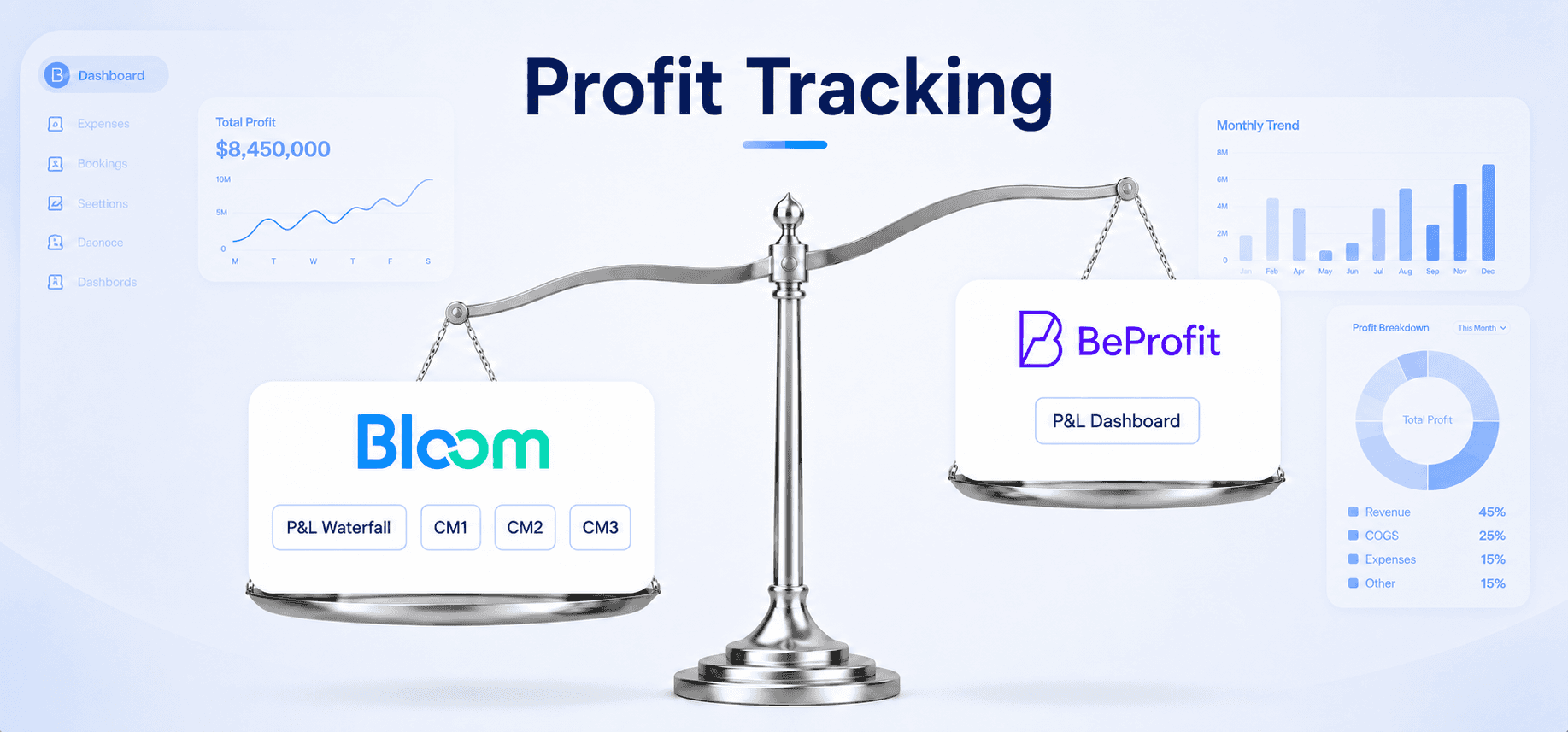
That waterfall format matters more than it sounds like it should. It's the difference between knowing your final margin number and knowing exactly where margin is leaking between revenue and that number. In our experience, that "where" question is usually the one merchants actually have.
Like BeProfit, Bloom breaks profitability down to the product and variant level, with all associated costs and ad spend factored in. You can also see whether individual orders are processed profitably, not just whether the catalog is profitable in aggregate.
Which App Handles Cost And Expense Tracking Better?
Both apps cover the same ground here, so this isn't where the decision should hinge. BeProfit lets you set COGS using fixed rates, quantity tiers, or variant pricing through its COGS zone system, with shipping tracked dynamically by quantity, weight, or order value.
Bloom matches that with COGS by fixed rate or by date-based conditions and quantity breaks, applied per variant. Shipping zones can be set by units, order value, or weight, applied at both the product and order level. Bloom also supports one-time, recurring, and irregular costs across marketing, transaction fees, rent, and salaries.

The one practical edge Bloom has here is date-based COGS conditions. If your supplier costs changed six months ago and you want your historical margin numbers to reflect what costs actually were at the time, that's a feature BeProfit's system doesn't offer in the same way.
Is Bloom's Marketing Attribution More Accurate Than Beprofit's?
Yes, and this is the biggest functional gap between the two apps. BeProfit's attribution runs entirely on UTM parameters, which means iOS privacy restrictions and ad blockers reduce tracking coverage and undercount real conversions, particularly for stores spending $10,000 a month or more on ads. Bloom uses a first-party fingerprinting pixel with server side events and webhooks, which captures the full customer journey without relying on cookies or UTMs at all.
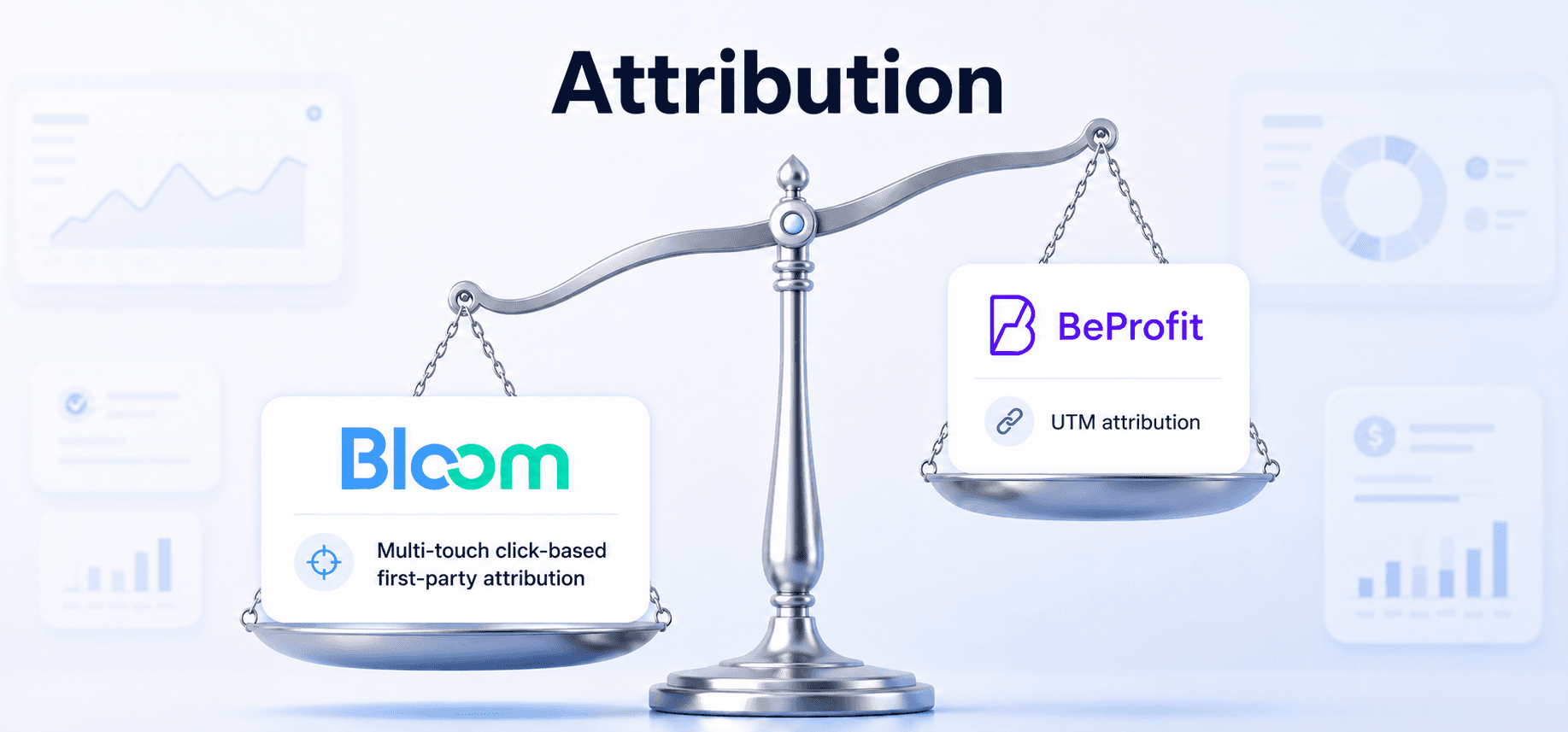
BeProfit does cover a wide surface area: paid ads, influencer marketing, SMS, and email, with ROAS tracked from influencer and affiliate channels and basic email performance. For stores spending under $2,000/month on ads, the UTM gap is tolerable. It's a different story once spent climbs.
Bloom's pixel-based approach lets you view attribution across six models: Last Non-Direct, Last Click, First Click, Any Click, Linear All Channels, and Linear Paid Channels. You can also compare Bloom's numbers directly against what your ad platforms report. That gap, in our experience, is usually one of the most clarifying numbers a merchant sees in the entire app, because it's the first time the platform-reported ROAS and the actual profit-backed number are sitting side by side.
Which App Offers Better Reporting And Scheduling?
This depends on whether you want flexibility or a cleaner default view. BeProfit has a built-in report library plus a custom report builder, letting you configure exact data fields across sales, marketing, orders, and operations, with scheduled delivery to your inbox. That's a genuine advantage if your team already works from a specific reporting format.
Bloom takes a more opinionated approach. Reports are pre-built around specific analyses (overall profit, email profitability, attribution, marketing performance) with toggleable fields rather than a from-scratch builder. You get a cleaner view out of the box, but less room to build something fully custom. Scheduled updates go out via email and Slack.
If bespoke report structures matter to your workflow, BeProfit has the edge here. That's a real trade-off, not a knock against Bloom.
How Much Does Bloom Cost Compared To Beprofit?
Bloom starts at $20/month with unlimited orders on every plan. BeProfit starts at $49/month with a 450 order cap on its entry tier, which means your bill can climb even if your reporting needs haven't changed.
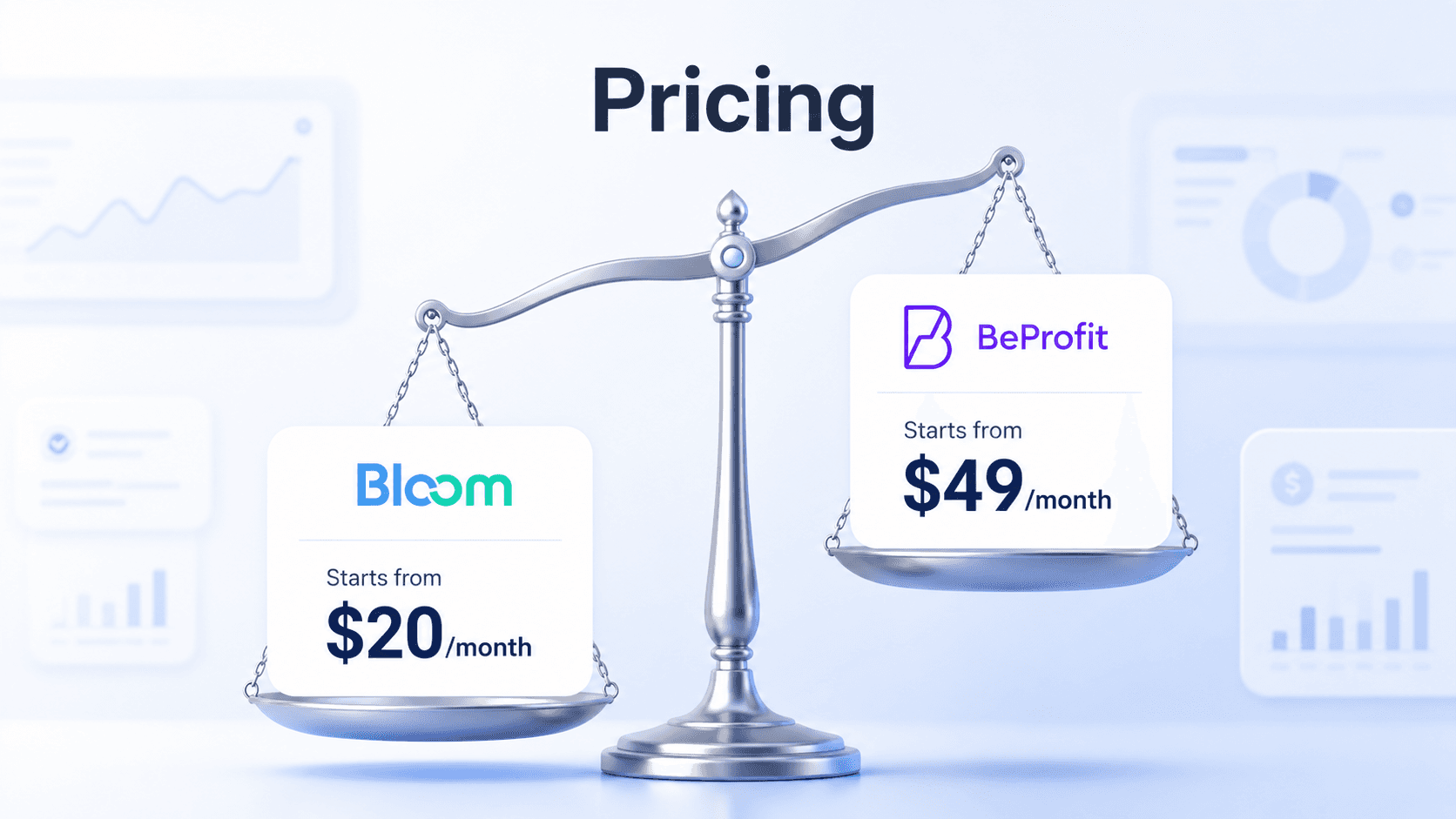
BeProfit's pricing scales with both feature access and monthly order volume, and every plan except Plus is capped at one Shopify store:
Plan | Price | Order Limit | Store Limit | Best For |
Basic | $49/month | 450 orders | 1 shop | New stores, basic profit tracking |
Pro | $99/month | 900 orders | 1 shop | Stores that need custom reports |
Ultimate | $149/month | 1,700 orders | 1 shop | Stores running paid ads and using LTV |
Plus | $249/month | Unlimited | Unlimited shops | Multi-store, high-volume brands |
All BeProfit plans include a 14-day free trial.
Bloom prices by feature access instead of order volume, so subscriptions don't increase automatically as sales grow. Every plan supports up to three connected Shopify stores, with additional stores at $10/store/month:
Plan | Price | Order Limit | Store Limit | Best For |
Sprout | $20/month | Unlimited | Up to 3 shops | Accurate cost and expense tracking for true business profitability |
Grow | $40/month | Unlimited | Up to 3 shops | Sellers who need data intelligence and action items to decide faster |
Flourish | $80/month | Unlimited | Up to 3 shops | Stores that need clear attribution models to credit sales to the right channel |
For merchants running paid ads who need attribution, the real comparison is BeProfit Ultimate at $149/month versus Bloom Flourish at $80/month. At that price point, Bloom includes the full suite: comprehensive profit analysis, marketing insights, actionable profit insights, attribution, unlimited orders, and up to three connected stores.
BeProfit's Plus plan still wins for organizations that genuinely need unlimited store connections on one bill. For single-store and small multi store brands, though, Bloom's feature based model tends to stay cheaper as order volume grows, since you're never paying for orders you've already outgrown.
How Do The Insights And Recommendations Compare?
BeProfit's insights summary surfaces your most and least profitable orders, products, and discounts, calculated from contribution margins. It's a solid read on what's working across the catalog.
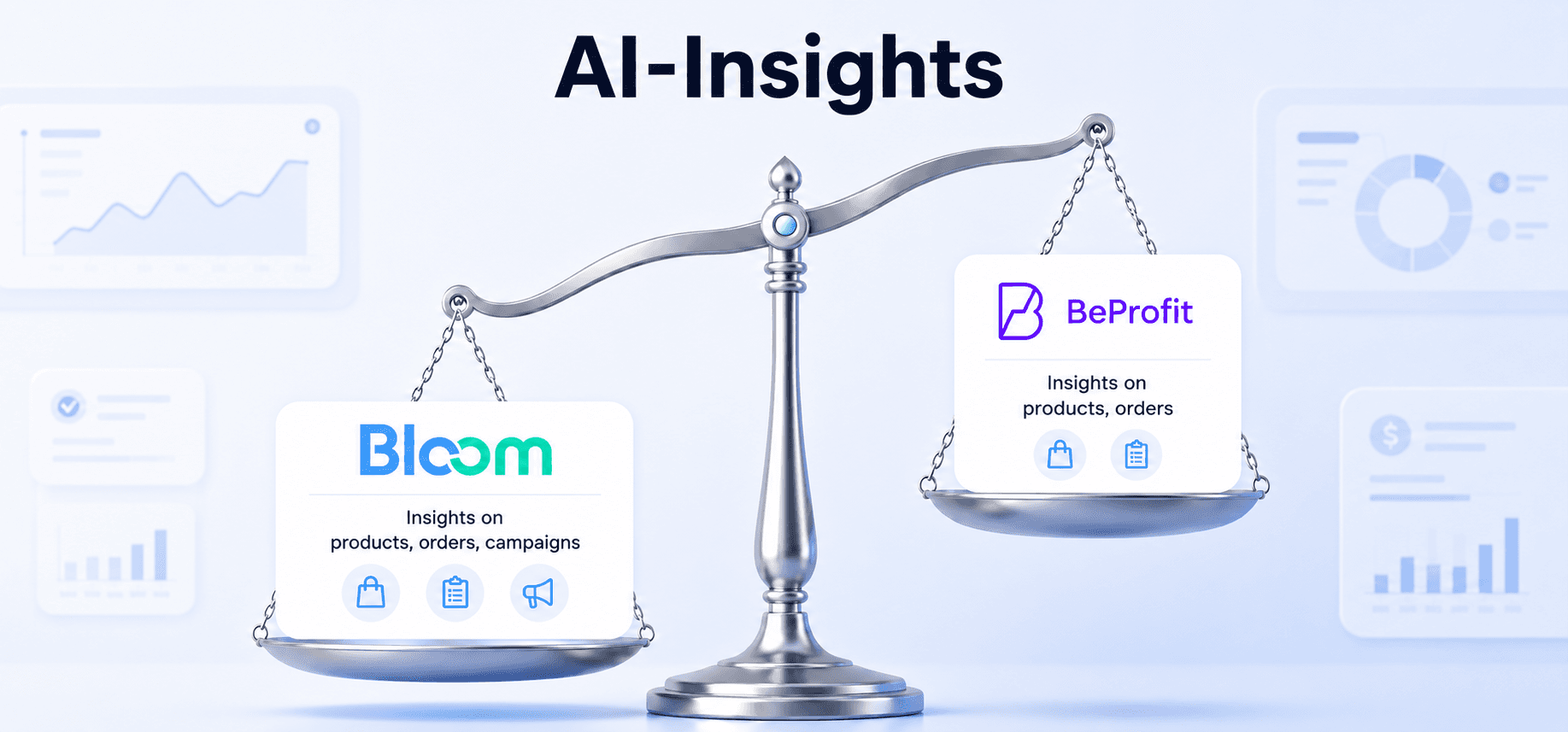
Bloom goes a step further by automatically labeling every product and campaign as a Star Performer, Margin Leak, Money Pit, or Margin Trap, the last one flagging anything with positive ROAS but negative actual margin once real costs are factored in. what share of a typical store's catalog or ad campaigns get flagged as a Margin Trap in Bloom's data. Every chart includes a plain English note on what to do, not just what happened, and the insight cards are clickable, so you land directly on the data behind the finding. Weekly summaries go out by email and Slack.
If you don't have a dedicated analyst, this layer is the difference between staring at a chart and getting told what the chart means.
Which App Integrates With More Tools?
BeProfit covers more ground on platform breadth. It supports Shopify, WooCommerce, Wix, and Amazon, plus major ad platforms and a wider range of shipping tool integrations, which helps brands with more complex fulfillment setups.
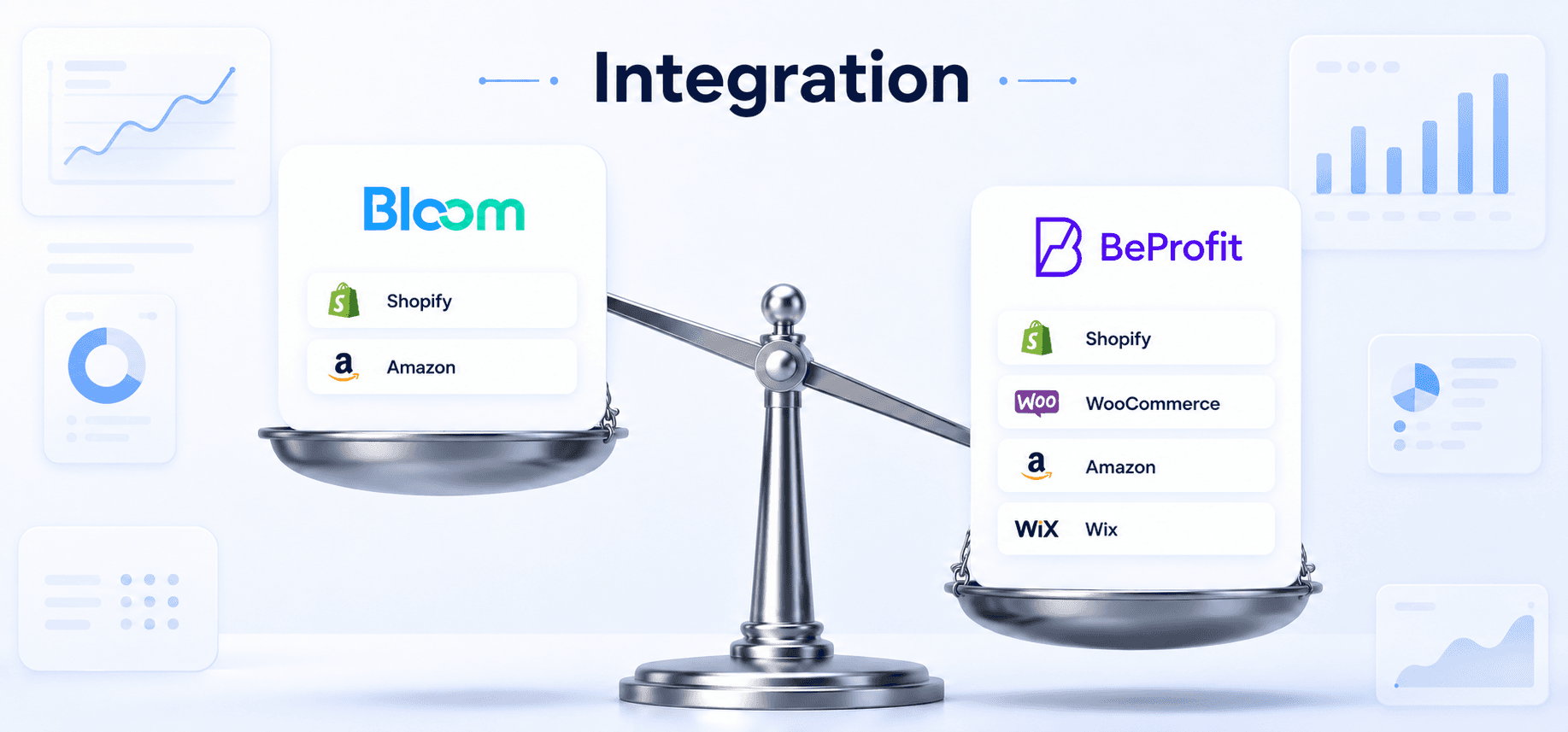
Bloom is built specifically for Shopify and integrates with major ad platforms, shipping providers, Google Analytics 4, and subscription tools. It also includes MCP integrations with ChatGPT and Claude, so you can ask questions about your store data in plain English or pipe Bloom data into your own workflows and dashboards. BeProfit doesn't currently offer AI chat integrations or MCP connectors.
If you're running on Shopify alone, the integration gap doesn't cost you anything. It only matters if you're also running WooCommerce, Wix, or Amazon storefronts.
Beprofit Vs Bloom: Feature Comparison
Feature | BeProfit | |
Supported platforms | Shopify, WooCommerce, Amazon, Wix | Shopify |
P&L dashboard | Yes | Yes (P&L waterfall with CM1/CM2/CM3) |
Product-level profitability | Yes | Yes |
Margin trap detection | No | Yes |
COGS tracking | Fixed, quantity tiers, variant pricing | Fixed, date conditions, quantity breaks |
Shipping cost tracking | Weight, quantity, price rules | Weight, quantity, date based, price rules |
Multi-store support | Yes | Up to 3 stores included, additional at $10/store |
Marketing attribution method | UTM parameters | First-party fingerprinting pixel, server-side events |
Attribution models | UTM-based | 6 models: Last Click, First Click, Linear, Any Click, and more |
Campaign-level profit tracking | Revenue-based | Profit-based |
Custom report builder | Yes | No (pre-built views with field toggles) |
Custom Dashboard | Yes | Yes |
Scheduled report delivery | Email and Slack | |
Plain-English insights | Summary view | On every chart and table, clickable |
AI-chat integration (MCP) | No | Yes (Claude and ChatGPT via App Integrations) |
Starting price | $49/month | $20/month |
Pricing model | Flat tiers, scales with order volume | Flat tiers, scales with feature access |
So Which One Should You Actually Pick?
Pick BeProfit if you run multiple stores and want a single unlimited store view, need a fully custom report builder, or spend modestly enough on ads that UTM-based attribution is good enough. Pick Bloom if you spend real money on paid ads and want attribution you can trust, run email campaigns and want to know if your email program is actually profitable, or want to know your break-even ROAS before committing more ad budget.
Either way, the number that actually matters is real profit, not revenue. That's true regardless of which app gets you there.

Frequently Asked Questions
What is BeProfit used for on Shopify?
BeProfit tracks Shopify profitability through a P&L dashboard, product-level contribution margins, COGS, shipping costs, and ad spend performance. It includes a custom report builder and multi-store comparison. Its attribution relies on UTM parameters, which lose accuracy under iOS privacy restrictions and ad blockers.
What's the main difference between BeProfit and Bloom?
Both track Shopify profit, but they differ on attribution and which metrics get surfaced. BeProfit uses UTM-based attribution with flexible custom reporting. Bloom uses a first-party fingerprinting pixel for more reliable attribution and flags campaigns or products that look profitable by ROAS but actually lose money after real costs.
Is Bloom a good BeProfit alternative for smaller stores?
Yes. Bloom's Sprout plan starts at $20/month versus BeProfit's $49/month entry tier, and Bloom's pricing scales with feature usage rather than order count, so a smaller store isn't paying for volume it hasn't hit yet. All Bloom plans include a 14-day free trial.
Can BeProfit track multiple Shopify stores?
Yes. BeProfit's Plus plan, at $249/month, is built for multi-store merchants with high order volumes and unlimited stores. Bloom includes up to 3 stores across every plan, with additional stores at $10/store/month, which tends to be the more cost-effective route for most merchants running a handful of storefronts.
Know Your Real Profit And
The Ads That Actually Sell.
No need to spend. Just try it on your store.