Shopify Profit and Loss Statement: What It Shows and the Leaks It Won't Catch
Your Shopify profit and loss statement runs monthly. These five leaks compound daily and cost weeks before you ever see them. Here's how to catch them.
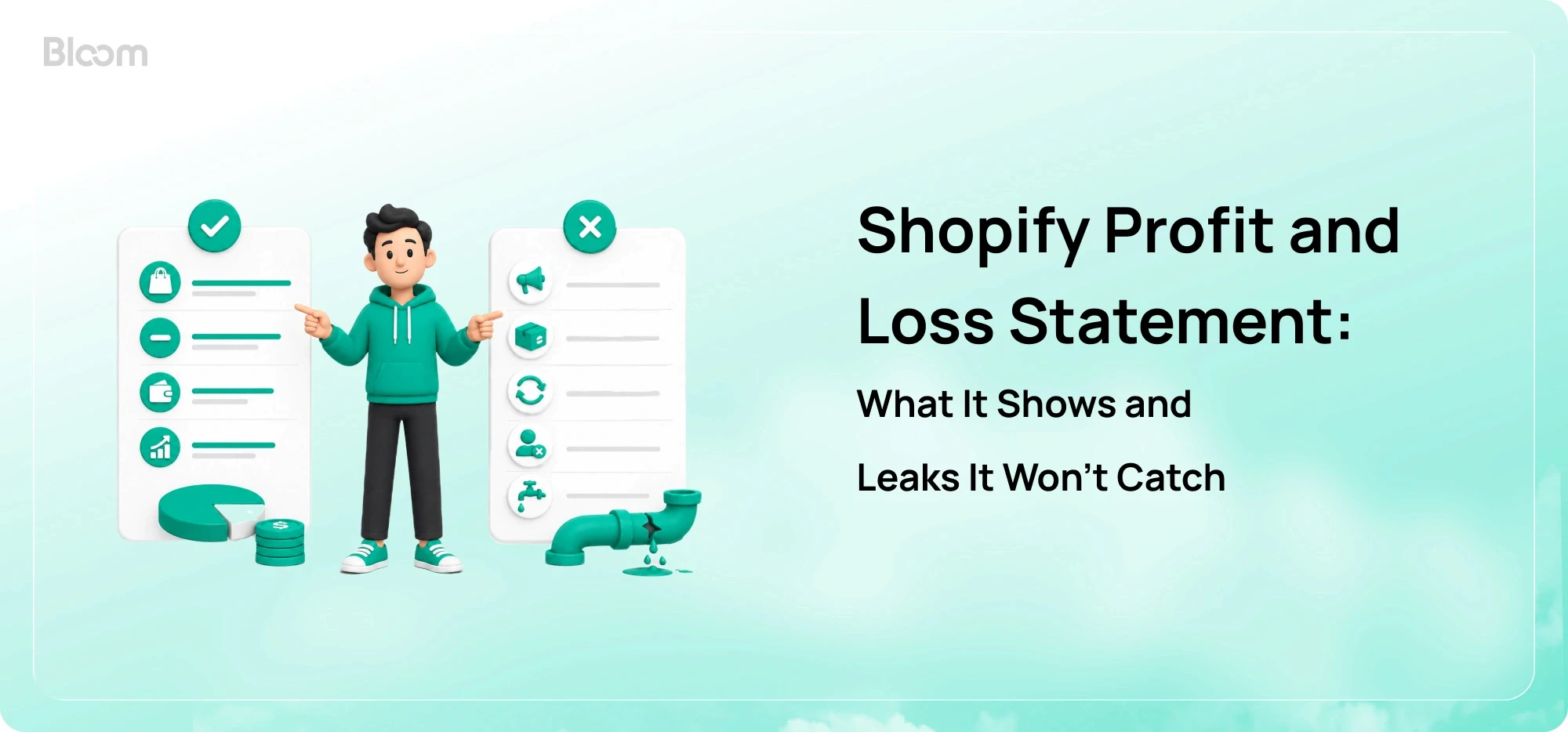
Your monthly Shopify profit and loss statement does what it was built to do. It closes the books on the previous month, gives your accountant the numbers they need to file taxes, and gives your investors or lenders a clean record of how the business performed. It's a compliance document. It's also a strategic document, once a quarter, for the questions that move slowly.
A P&L answers the question "what did we earn last month?" That's a different question from "what's eroding margin right now?" Both questions matter. They need different views, and treating one as a substitute for the other is what costs merchants real money.
This article covers what a Shopify profit and loss statement actually shows, why running it monthly is still the right call for accounting, where the reporting lag costs you in operations, the five leaks the statement is structurally blind to, and how profitable Shopify brands now pair the monthly P&L with a real-time profit tracking layer.
TL;DR
A Shopify profit and loss statement summarizes revenue, COGS, and operating expenses to arrive at net profit for a closed period. It's the document your accountant files and your investors review.
The standard monthly P&L lands mid-month after close. That's a 15-to-45 day blind spot, depending on when a problem started.
Five leaks tend to compound inside that window: aggregated marketing spend hiding product-level losses, carrier surcharges that land after delivery, refund-driven margin erosion, leaked discount codes, and payment processor fee creep.
A monthly P&L and a real-time profit tracking layer aren't substitutes. They answer different questions on different clocks.
The cleanest setup: keep the P&L with the accountant. Run daily decisions off a live dashboard that catches leaks while they're still inside the same week.
What a Shopify Profit and Loss Statement Actually Shows
A Shopify profit and loss statement (also called a P&L or income statement) is a financial report that summarizes your store's revenue, cost of goods sold, and operating expenses for a defined period, then arrives at a single net profit or net loss figure. It's the document your accountant uses to close the books, file taxes, and report performance to investors or lenders.
For a Shopify store, the standard line items are:
Gross sales: total revenue from orders before any deductions
Discounts and refunds: subtracted to arrive at net sales
Cost of goods sold (COGS): what each product cost you to source, including inbound freight
Gross profit: net sales minus COGS
Operating expenses (OpEx): marketing, salaries, software subscriptions, rent, professional fees, and other recurring costs
Operating profit: gross profit minus OpEx
Interest, taxes, and other non-operating items: the last layer before the bottom line
Net profit: what's left
Why a Monthly Shopify P&L Still Matters
Even with everything below, the monthly Shopify P&L isn't going anywhere. It's the source of truth for four jobs no other report can do.
Tax filing. Your accountant needs the closed-period statement to file quarterly and annual returns. There's no real-time substitute for a reconciled set of books.
Investor and lender reporting. Anyone reviewing your business for funding or credit wants reconciled, audit-quality numbers, not a live dashboard snapshot.
Quarterly strategy. The P&L is the right resolution for slow-moving questions: pricing tier changes, hiring decisions, inventory buys, and channel mix.
Year-over-year trend. Reconciled monthly statements are what comparable trend lines are built on. You can't compare this March to last March from a live dashboard.
Where the Monthly P&L Falls Short for Daily Operations
The reporting lag isn't flat, and that's the first thing to understand. The "middle of the following month" delivery is the sum of three sequential dependencies. Payment processors finalize and resolve disputes over days 1 to 7. Bookkeepers reconcile invoices, ad-spend exports, and inventory adjustments over days 7 to 14. The report compiles around day 15. That means an error introduced on day 1 has been running for 45 days when the P&L surfaces it. An error from day 28 gets caught in 17. The blind spot is a rolling 15-to-45 day window, not a fixed 30.
The structure of the statement is the second issue. The P&L aggregates by design. It reports total COGS, total ad spend, total shipping. It doesn't show which SKU's product cost crept up, which channel's acquisition cost doubled, or which fulfillment lane flipped from profit to loss. Net margin can hold steady on paper while two SKUs quietly turn negative and one campaign overspends its target by 30%. The aggregate line is accurate. It just hides the lever you'd act on.
The third issue is that every figure is lagging. There is no leading indicator inside the statement. Nothing flags a sudden rise in ad costs, an inventory write-down risk, or margin compression in flight. The P&L answers "what did we earn last month." It does not answer "what's eroding margin right now."
Five Profit Leaks Your Shopify P&L Won't Catch in Time
In the 15-to-45 day window between P&L reviews, several recurring leaks compound. None of them are dramatic on their own. Together, they're how a month that felt fine ends up reporting a margin five points below plan. Here are the five most common, and why each one slips past the P&L by design.
1. Aggregated Marketing Spend Hides Product-level Losses
A monthly P&L collapses total ad spend into a single global line item, completely decoupled from individual product performance. This creates an averaging effect: high-margin organic sales quietly absorb the losses from aggressive paid campaigns running on low-margin or heavy products.
If a Meta campaign for a $40 product with $25 in COGS, $8 in shipping, and a $12 cost-per-acquisition is operating at a negative contribution margin, the P&L won't tell you. It will tell you total marketing spend was, say, $48,000 last month. The campaign keeps running because no one sees it as a campaign-level problem until someone manually cuts the data after close, which usually doesn't happen.
2. Carrier Surcharges That Land after Delivery
When you buy shipping labels through Shopify Shipping or a 3PL, the quoted price isn't the final price. Carriers like USPS, UPS, FedEx, and DHL apply post-billing adjustments routinely: residential delivery surcharges, fuel adjustments, dimensional weight penalties on boxes that are light but large, and address correction fees.
These adjustments hit your card weeks after the order ships. Consider a store doing 2,000 orders a month. A quiet $2.50 per-order surcharge that goes unnoticed is a $5,000 hit that doesn't surface until the bookkeeper reconciles shipping invoices next month. By then, two more weeks of orders have already gone out under the same conditions.
3. Refunds That Erase a Healthy-looking Margin
The average ecommerce return rate sits at roughly 19 to 20% of online orders heading into 2026, According to aggregated industry data drawn on the National Retail Federation's Returns processing alone runs 20 to 39% of an item's original price across most categories. For brands carrying 60 to 70% gross margin, returns can compress contribution margin by 8 to 15 percentage points before any other variable cost enters the equation.
The math on a single return is worse than most operators model it. When a return lands, four costs hit at once: original outbound shipping, return shipping, the payment processor fee on the refunded sale, and the labor to inspect and restock. Write down the inventory if the item comes back damaged, and the math gets worse.
The P&L groups all refunds into a single line. Operationally useless. You can't see that one SKU is driving 60% of the returns, or that returns spiked on orders from a specific campaign, until someone manually cuts the data after close.
4. Discount Codes That Leak Into the Open
Influencer codes, affiliate codes, and partnership codes are usually meant for a specific audience. The problem is that they do not always stay there. Coupon and cashback extensions can surface or test codes at checkout, which means a code created for one campaign can end up being used by customers who were already ready to buy.
The damage is bigger than the discount itself. A 20% code meant for one creator can get applied to organic checkout traffic, including orders that were priced for full margin. The customer who would have paid full price now pays less. Your discount line goes up, your SKU margin gets weaker, and the leak may stay unnoticed for weeks.
5. Payment Processor Fee Creep
Processor fees look like one clean percentage on the P&L. They aren't. The "2.9% + 30¢" you signed up for has companions: cross-currency conversion margins on international orders, dispute and chargeback fees, Shop Pay Installments fees, AMEX surcharges, and reserve holds on flagged orders.
For a store doing $300,000 a month, a 0.4% creep in effective processing rate over a quarter is an extra $1,200 a month, or $14,400 a year, evaporated into a line the P&L shows as flat at 3% of revenue. The composition shifted. The total looked stable. The diagnosis takes a manual processor-statement audit that almost no one runs monthly.

Monthly Shopify P&L vs real-time profit tracking: side-by-side
A monthly Shopify P&L answers "what did we earn last month." A real-time profit tracking app answers "what's eroding margin right now." Both are useful. They're built for different jobs and they run on different clocks.
A profit tracking app sits between your Shopify store, ad accounts, fulfillment system, and accounting tools. It pulls live data via API integrations, applies COGS and shipping costs to every order as it lands, and surfaces contribution margin at the SKU, channel, and campaign level instead of the store-wide totals a P&L delivers. Where the bookkeeper produces one number for last month, the app shows you which product, campaign, and lane is making or losing money today.
The contrast is sharpest in a side-by-side view:
Feature | Monthly Shopify P&L | Real-time profit tracking app |
Question it answers | What did we earn last month? | What's eroding margin right now? |
Refresh frequency | Monthly or quarterly, finalized mid-month after close | Continuous sync, refreshed throughout the day |
Primary use case | Tax filing, investor reporting, quarterly strategy | Daily campaign, product, and pricing decisions |
Ad spend source | Bookkeeper reconciles platform exports at month-end | Direct API pull from Meta, Google, TikTok, and Klaviyo |
Granularity | Store-wide totals and broad categories | SKU, country, channel, and campaign-level contribution margin |
COGS handling | Estimated periodically, or applied at average cost across the period | Landed cost matched to each order as it's placed |
What it tells you | What happened | What's happening |
How profitable Shopify brands run both
Profitable Shopify brands don't replace their accounting workflow. They add a second one for daily operations. Each tool does the job it was built for, and the two complement instead of compete.
The split is clean.
The accounting stack is your existing bookkeeping workflow. The bookkeeper reconciles bank accounts monthly, manages depreciation, handles payroll, and compiles the official P&L. Its job: compliance, tax filing, audit-readiness, investor and lender reporting. Owner of the long view.
The operational stack is a real-time profit tracking app like Bloom, our profit and marketing attribution app for Shopify stores, connected directly to your Shopify store, ad platforms, and shipping providers. Its job: catch the five leaks while they're still happening. Owner of this week.
With both stacks in place, the daily routine reshapes around three operational moments.
The 5-minute morning check. Open the dashboard, read yesterday's true net profit. You see exactly what was generated after live ad spend, product cost, transaction fees, and shipping. No spreadsheet, no waiting for a reconciliation.
Mid-week campaign correction. A Google Shopping campaign that delivered $4,800 in revenue yesterday but pushed contribution margin negative on a low-margin SKU gets flagged. You pause the campaign or shift budget before another five days of orders run through it.
Real-time COGS updates. A supplier raises prices, or a freight invoice lands 12% higher than quoted. You update COGS in your profit tracking app, and contribution margin recalculates across every active product and bundle. You adjust front-end pricing before the next order ships, not after the month closes.
Conclusion
A profit and loss statement is built for accounting, not daily operations. If you run a Shopify store only from a monthly P&L, you may notice margin compression weeks after it starts, once the campaign, supplier change, leaked code, or fulfillment shift has already done the damage.
Ad costs change daily. Supplier costs move. Refund spikes can come from one campaign. Margin leaks happen one decision at a time, and they do not wait for the 15th.
Your monthly P&L belongs with your accountant for tax, compliance, and close. Your daily operations need a tool that works on the same clock.
Bloom installs on Shopify in minutes and shows what your store actually earned after ad spend, COGS, fees, and shipping. You can also get daily profit summaries by email or Slack, so your team catches changes sooner.
FAQ’s
Can I Get Automated Monthly Profit and Loss Statements for My Shopify Store?
Yes. Accounting tools like QuickBooks, Xero, and Sage produce automated monthly P&Ls from connected bank and Shopify data once you've categorized your transactions. For day-to-day profit tracking at the SKU, campaign, and country level, a dedicated profit analytics layer syncs Shopify, ad platforms, and shipping providers continuously, so you don't wait until month-end to see contribution margin shift.
What's the Difference Between Gross Profit and Net Profit on a Shopify P&L?
Gross profit is net sales minus cost of goods sold. It shows what's left after paying for the product itself. Net profit is gross profit minus operating expenses, taxes, and other non-operating items. It's the final bottom-line number that tells you how much your store actually kept after every cost is accounted for.
Why Is My Shopify Revenue Different From My Net Profit?
Revenue is the total amount your store collected from orders before any deductions. Net profit is what's left after subtracting refunds, discounts, COGS, shipping, payment processing fees, ad spend, software subscriptions, salaries, and other costs. For most DTC stores, net profit lands at roughly 3 to 15% of revenue, depending on category and stage.
How Often Should I Review My Shopify Profit and Loss Statement?
Run the monthly Shopify P&L on the same cadence your accountant works on, usually mid-month after the previous month closes. For operational decisions like pausing a campaign, adjusting COGS, or repricing a product, a daily view works better than a monthly one. A real-time profit dashboard catches problems while they're still inside the same week.
Know Your Real Profit And
The Ads That Actually Sell.
No need to spend. Just try it on your store.