Launching a Snapchat ad campaign is only the first step. Scaling it without understanding attribution and the attribution window options behind each model puts your ad spend at risk of getting credited to the wrong channel, or not credited at all.
Snapchat attribution is the process of measuring which ad interaction, a click, a view, or an engaged view, gets credit for a conversion. Snapchat uses one attribution model for web conversions and a separate one for app conversions, and each model runs on its own attribution window. Get the window wrong and you either under-report performance or double-count conversions another channel already earned.
By the end of this guide, you will understand how Snapchat's web and app attribution windows work, what changed after Apple's iOS privacy updates, and how to close the attribution gaps that make Snapchat's reporting look worse than it is.
Snapchat Web Attribution Explained
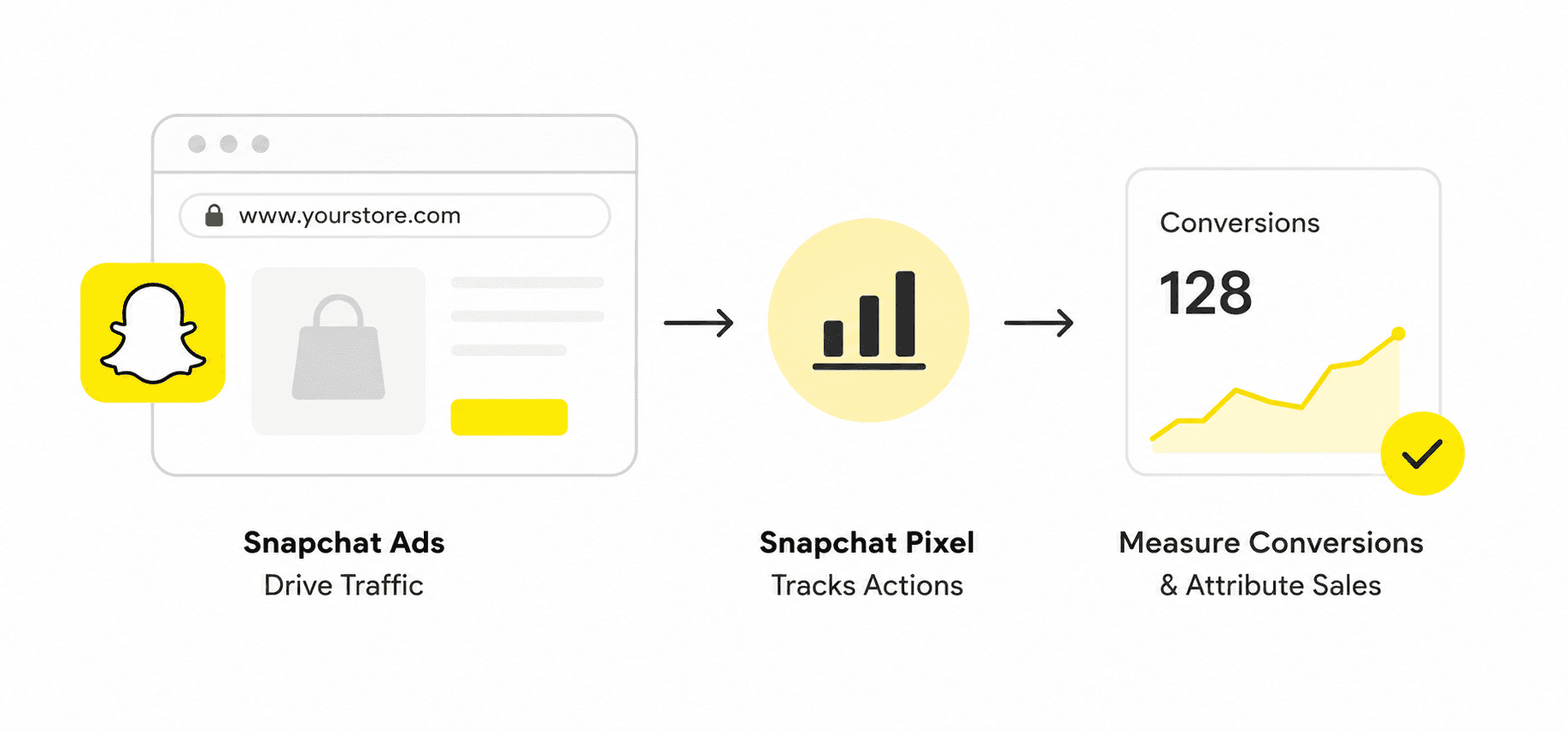
Web attribution measures the actions a user takes on your website after interacting with a Snapchat ad. It supports two models: click-through attribution and view-through attribution, each governed by its own attribution window.
Click-Through Attribution Window
Click-through attribution credits a conversion when a user clicks your ad and converts within the selected attribution window. The default click attribution window is 28 days, and it can be shortened to 1 day or 7 days depending on how quickly your sales cycle moves.
View-Through Attribution Window
View-through attribution credits a conversion when a user sees your ad for at least one second and converts within the selected attribution window. The default view attribution window is 1 day, with options to set it to none, 1 hour, 3 hours, 6 hours, or 7 days.
Snapchat App Attribution Explained
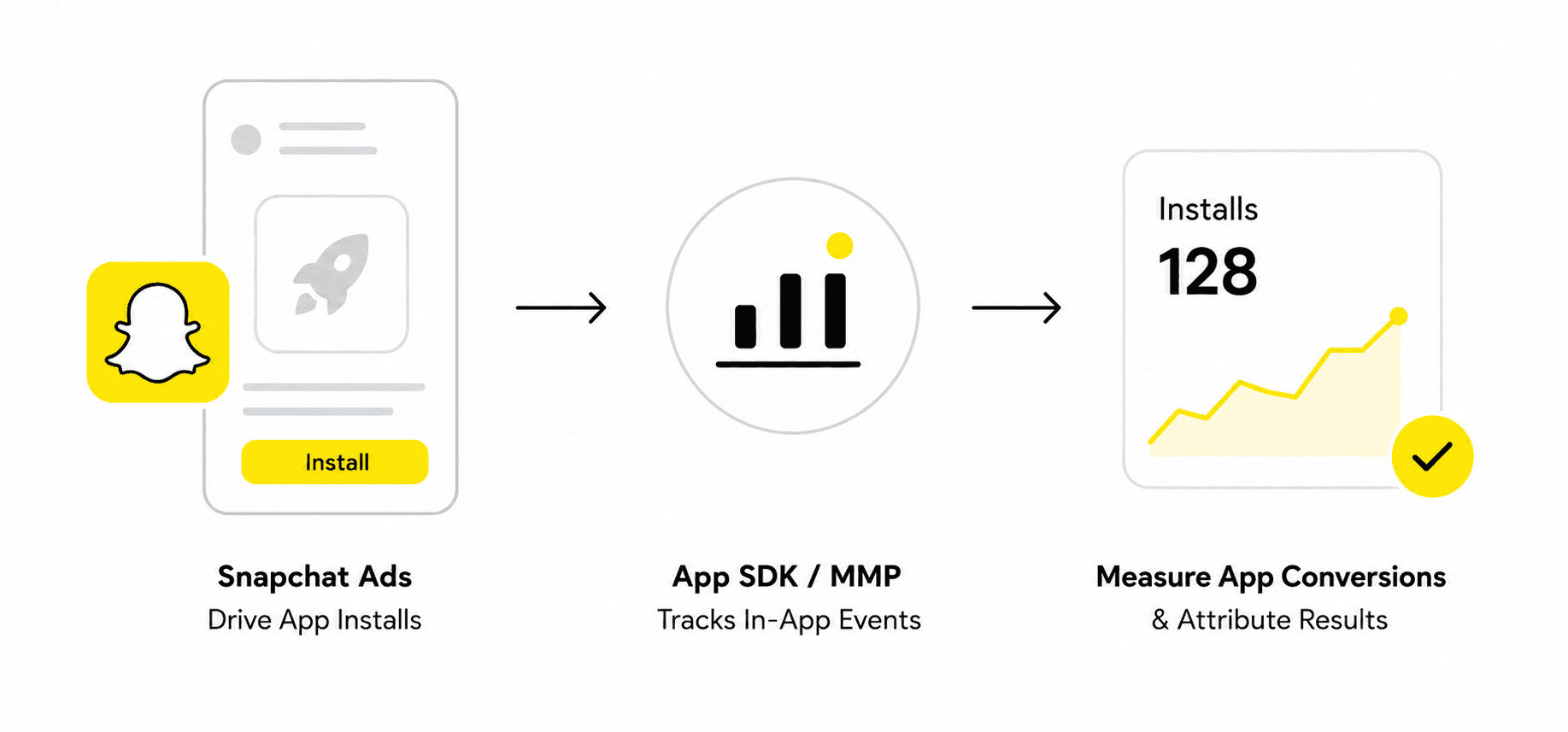
App attribution supports every model available to web attribution, plus one model unique to apps.
Engaged View-Through Attribution
Engaged view-through attribution credits a conversion when a user watches an ad for 5 seconds or longer without clicking. Its attribution window is fixed at 2 days, longer than the standard view-through window, which is why it tends to show more lift on app installs. Engaged view-through and standard view-through cannot both apply to the same conversion, and engaged-view credit is reported through the MMP, not Snapchat Ads Manager directly.
Multi-touch Attribution
App attribution measures the actions a user takes inside your app after seeing or clicking a Snapchat ad. Because app activity cannot be tracked the same way as a website, Snapchat partners with mobile measurement partners (MMPs) to match conversions to ad exposure.
Snapchat's current MMP partners are:
Advertisers need to install the MMP's SDK to track conversions driven by the ad, then use the MMP's multi-touch attribution model to measure performance across platforms, not just Snapchat.
How Snapchat's Attribution Hierarchy Works
When a conversion qualifies for more than one attribution type within its attribution window, Snapchat resolves it using a fixed priority order: click-through, then engaged view-through, then view-through.
Example: a user views your ad on Monday, clicks it on Wednesday, and buys on Friday. With a 28-day click window and a 7-day view window both technically valid, Snapchat credits the click, since clicks outrank views. The same logic applies if a user watches an ad long enough to qualify for engaged view-through and then clicks it before converting: the click still wins.
User Journey | Attribution Credit |
View → Purchase | View-through |
Click → Purchase | Click-through |
Engaged view → Purchase | Engaged view-through |
View → Click → Purchase | Click-through |
Engaged view → Click → Purchase | Click-through |
This hierarchy exists so a single conversion is credited once, to its strongest interaction, instead of being counted across multiple attribution types.
How iOS Privacy Changes Affect Snapchat Attribution Windows
Apple's App Tracking Transparency (ATT) framework requires user permission before an app can track activity across other apps and sites. When a user declines, advertisers lose most user-level attribution data for that install, and Snapchat has to fall back on privacy-preserving, less deterministic measurement.
The practical effects for app campaigns on iOS:
The 28-day view attribution window is no longer available.
Conversion Lift studies are not supported for iOS app events.
User-level and device-ID-level tracking through an MMP is no longer available.
Limitations of Snapchat Attribution
iOS privacy restrictions can make conversion reporting slower and less complete.
Snapchat offers fewer attribution window options than some other ad platforms, which limits flexibility.
Time zone mismatches between Snapchat and your MMP can create reporting discrepancies on app campaigns.
Snapchat Ads Manager has no built-in side-by-side model comparison, unlike Meta Ads Manager.
Advertisers have limited control over which attribution model applies to app campaigns inside Snapchat Ads Manager.
Multi-touch attribution for app campaigns requires a third-party MMP, which adds cost depending on the provider and volume.
Ways to Reduce Snapchat Attribution Discrepancies
Use a longer attribution window when you need to capture the full impact of an ad, and a shorter one when you need a cleaner read on immediate response.
Layer in a multi-touch attribution model to see every touchpoint in the customer journey, not just the last one Snapchat credits.
Use server-side tracking to measure conversions without relying on cookies, which sidesteps most iOS tracking restrictions.
Combine a Conversions API, the Snap Pixel for web attribution, and Snap ID for app attribution to improve match rates.
Bottom Line
Scaling a Snapchat campaign only works when your optimization decisions are based on an attribution window that actually matches your sales cycle. For app campaigns, an MMP gives you independent, deeper attribution. For Shopify stores specifically, a first-party analytics platform like Bloom adds multiple attribution models and first-party tracking on top of Snapchat's own numbers, so you can see how Snapchat performs against every other channel driving revenue.

Whether you rely on Snapchat's native attribution, an MMP for app campaigns, or a first-party analytics platform for your Shopify store, getting the attribution window right is one of the most effective ways to scale profitably.
Frequently Asked Questions
What is the default Snapchat attribution window?
For web attribution, the default is a 28-day click window and a 1-day view window. For app attribution, the same defaults apply through your MMP, plus a fixed 2-day window for engaged view-through.
Can you change the Snapchat attribution window?
Yes. Click attribution windows can be set to 1, 7, or 28 days. View attribution windows can be set to none, 1 hour, 3 hours, 6 hours, 1 day, or 7 days. Engaged view-through is fixed at 2 days and cannot be changed.
What happens when a conversion qualifies for both a click and a view within the attribution window?
Snapchat's attribution hierarchy always credits the click. Click-through outranks both engaged view-through and standard view-through.
Why did the 28-day view attribution window disappear for app campaigns?
Apple's App Tracking Transparency framework removed the 28-day view-through window for iOS app events, along with Conversion Lift support and device-level tracking through MMPs.
Do I need an MMP to use Snapchat app attribution?
Snapchat requires an MMP such as Adjust, AppsFlyer, Branch, Kochava, Singular, Tenjin, or mParticle to attribute app conversions, and an MMP is also required if you want multi-touch attribution across platforms
Discover More