How to Simplify Shopify Expense Tracking?
Simplify Shopify expense tracking with a system that remembers your cost rules, reduces manual work, and builds real confidence in your profit numbers
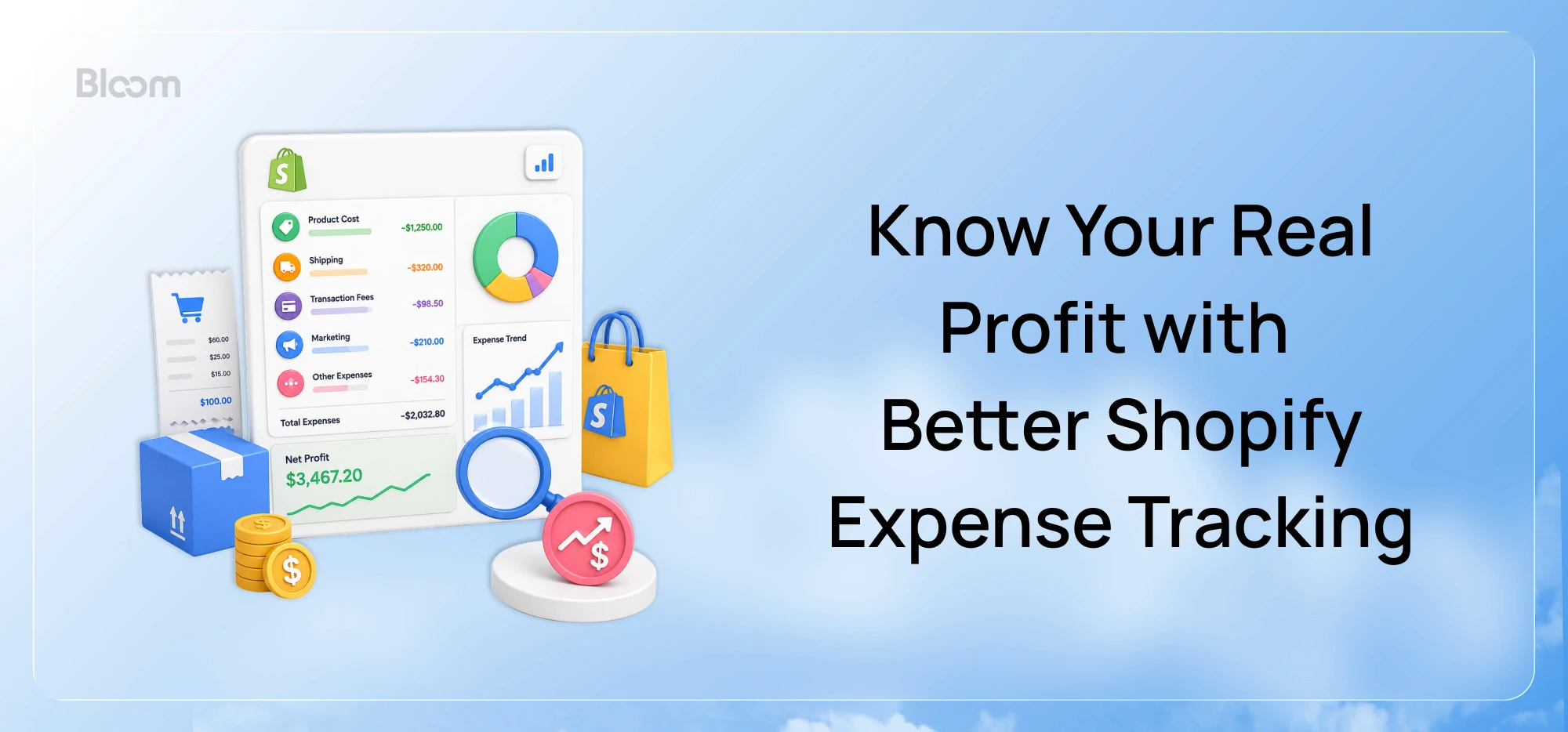
If tracking your expenses feels harder than making the sale, you're not alone. It's something many Shopify merchants run into as their store starts to branch out.
Some days, it's an expense that slips through the cracks. Other times, it's a fee you forgot to include or a cost that gets counted twice. And even when you have all the right numbers, you're still left doing the same work every week because there's no system that remembers how your business tracks those costs.
Maybe you've tried spreadsheets. Maybe you've moved to an accounting software or even a profit analytics app, but you still don't feel completely confident that the profit you're looking at is the real number.
There's an easier way to manage all of this without turning expense tracking into a weekly cleanup job. Let's look at where most merchants get stuck and how you can build a system that does the heavy lifting for you.
TL;DR
Shopify shows revenue automatically, but not true profit because costs are spread across different tools, timelines, and business-specific rules.
Spreadsheets, Shopify reports, and accounting software each solve part of the problem but not all of it.
A system that combines automatic data collection with configurable cost rules is what actually produces a profit number you can trust.
Why Do Shopify Merchants Struggle With Expense Tracking?
The hardest part about Shopify expense tracking isn't finding individual expenses. It's bringing them all together.
For a single order, the revenue is recorded in Shopify, product costs stored as a single cost per field, shipping comes from a fulfillment app, advertising costs sit in your ad platform, and payment fees are deducted from your payout days later. If there's a refund, that happens on a different timeline too.
Even after you've gathered all those costs, there's another challenge. Every business calculates expenses differently. Shipping might depend on weight, packaging costs may vary by product, or operating expenses need to be allocated across a specific period. While Shopify allows some basic cost inputs (like a fixed cost per item), it doesn’t fully support dynamic cost rules or cost changes over time.
That's why many merchants end up back in spreadsheets, trying to piece everything together. The result is hours spent reconciling numbers and a profit figure that still doesn't feel completely trustworthy.
How Shopify Merchants Track Expenses Today
Most merchants piece together a system from whatever tools are already in their workflow. Here's what that usually looks like and where each approach works and where it doesn't.
Google Sheets or Excel
Spreadsheets are the most common starting point, and for good reason. They're free, flexible, and most merchants already know how to use them. You can build a basic P&L, track ad spend by channel, log COGS for each product, and compare months side by side.
Critically, a spreadsheet is also the one place where you can model the costs that don't fit any standard template: a shipping formula based on weight, a packaging cost that changes by product, an expense that needs to be split across specific weeks. That flexibility is exactly why so many merchants end up living in a spreadsheet long after they've outgrown one.
The limitation is that spreadsheets are only as current as your last manual update. Every time an ad spend changes, a refund comes in, or a new supplier cost hits, someone has to go in and update it. That works when the store is small. As order volume and complexity grow, the maintenance burden grows with it, and the risk of something being wrong or out of date grows too.
Shopify Reports
Shopify's built-in reporting gives merchants a solid view of top-line store performance, surfacing metrics like sales, traffic, customer behaviour, and order activity. For understanding what's selling and where orders are coming from, it's genuinely useful.
What Shopify reports don't do is give you a complete picture of costs. While some filtering and report customization is available depending on your Shopify plan, they don't account for the costs that sit outside Shopify's reporting altogether, things like inbound freight and duties, third-party payment gateway fees, fulfilment and packaging costs, or recurring operating expenses, let alone the business-specific way you calculate any of them.
As a result, Shopify helps you understand how your store is performing, but not necessarily how profitable it is.
Accounting Software (QuickBooks, Xero, Wave)
Accounting software is where many growing merchants turn next, and it solves real problems. It connects to your bank account, categorizes transactions, tracks expenses properly, and produces financial statements that an accountant or bookkeeper can actually work with.
These tools often come with a steeper learning curve and ongoing subscription costs, especially for smaller businesses. The bigger catch is that they're built for bookkeeping, not for daily business decisions.They show you where money was spent, but not which products generated the most profit or which ad campaigns delivered a positive return, and they're not designed to apply your business's own cost logic at the order, product or channel level.
The financial picture they provide is accurate but retrospective, structured for compliance and reporting rather than the operational decisions a merchant makes every day.
Profit Analytics Apps
A fourth category of tools exists specifically for ecommerce profitability tracking. These connect to Shopify and to other data sources across your business, such as advertising platforms, payment gateways, and shipping providers, pull costs automatically, and present profit at the order, product, or campaign level.
This approach handles the data-fragmentation problem more directly than the others. The trade-off is setup time. Connecting data sources is only part of the process; you may also need to configure the business-specific costs that make your store different from the next one, such as custom shipping rules, packaging costs, or other operational expenses, so your profit reflects how your business actually works rather than a generic template. The payoff is that once it's running, the profit picture updates automatically instead of requiring manual reconciliation.
What Merchants Are Actually Looking For
When you listen to how merchants describe the problem, they're not asking for a better expense log. They're asking for confidence in their numbers.
The questions they're trying to answer are practical ones: Did I actually make money last month, or did the ad spend eat the margin? Why does my profit calculation never match my bank balance? Which products are worth reordering, and which ones are quietly costing me money?
Those aren't accounting questions. They're operational ones. Tracking expenses is the first step, but on its own it isn't enough. It also requires connecting every cost to the revenue it produced, so the number at the bottom of the calculation is real rather than approximate.
Just as importantly, merchants don't want a system that simply imports expenses. They want one that reflects how their business actually works. Every store has costs that don't fit a standard template: shipping that varies by order value and quantity, packaging that costs more for one product than another, operating expenses that need to be allocated across specific date ranges, or some other line item that doesn't map neatly to a generic expense category. If a tool can't capture those rules accurately, the profit number it produces never will be either, no matter how automated the rest of it is.
What merchants are really looking for is a system that:
automatically collects expenses from across the business
allows business-specific costs and rules to be configured once, then applied automatically going forward
captures timing correctly so refunds, fees, and ad costs land in the right reporting period
connects costs to profit at the order and product level, not just in aggregate
preserves historical cost accuracy even when products, suppliers, or pricing change
reconciles to Shopify's revenue so there's one trusted number rather than conflicting reports
shows how each major cost affects profitability, making it easier to see where margin is being gained or lost
That means they're looking for a system that doesn't just collect expenses, but also remembers how their business calculates them, just like profit analytics tools such as Bloom do. Bloom allows merchants to configure cost rules once, whether for weight-based shipping, product-specific packaging, payment gateway fees, recurring operating expenses, or other business-specific costs and automatically applies them as new orders come in. Those costs then flow into a Profit Table that breaks profitability down through contribution margins: CM1 after product costs, CM2 after fulfillment costs, CM3 after advertising costs and finally net profit after operating expenses.
The benefit is simple: less time maintaining expense data and more confidence that your profit numbers reflect how your business actually operates.
Better Expense Tracking Starts with a Better System.
Expense tracking sounds like an administrative task. In practice, it's a decision-making tool. The merchants who have the clearest picture of their costs are the ones who can confidently increase ad spend on a profitable campaign, cut back on a product that looks good on revenue but bleeds margin, or spot a shipping cost creeping up before it becomes a problem.
But getting there takes more than just recording expenses. It means having a system that can account for the costs unique to your business, automate them, and to know, clearly and without hours of reconciliation, whether the business is actually making money and where that money is going.
The payoff is less time second-guessing your numbers, and more time making decisions with confidence because the number on your dashboard is finally the number you trust.

Frequently Asked Questions
Does Shopify track business expenses automatically?
Shopify tracks revenue, discounts, returns, and net sales automatically. It does not automatically pull in ad spend from external platforms, apply product costs to orders, or account for business-specific cost rules like weight-based shipping or custom packaging fees. For a complete expense and profitability picture, most merchants connect Shopify to a dedicated profit analytics app or accounting software.
Why doesn't my Shopify profit match my bank account?
Several factors create this gap: payment processing fees are deducted from payouts rather than shown per-order; refunds may hit in a different period than the original sale; ad spend is not automatically deducted from revenue; and Shopify payouts batch multiple orders together. Getting revenue and all associated costs, calculated the way your business actually calculates them, into the same view on the same timeline is what resolves the discrepancy.
What's the difference between revenue and profit for a Shopify store?
Revenue is the total amount customers paid before any costs are deducted. Profit is what remains after subtracting product costs, shipping and fulfillment, payment processing fees, advertising spend, returns, and other operating expenses. A store can have strong revenue and still be unprofitable if those costs are high relative to the margin on each sale.
Is accounting software enough for Shopify expense tracking?
Accounting software handles bookkeeping well and is important for tax compliance and financial reporting. For day-to-day operational decisions, like which products are most profitable or whether an ad campaign is covering its costs, most merchants find accounting software too retrospective, and not flexible enough to apply the business-specific cost rules that affect true profitability. Dedicated profit analytics tools fill that gap.
Know Your Real Profit And
The Ads That Actually Sell.
No need to spend. Just try it on your store.